 简体中文
简体中文
 English
 繁體中文
繁體中文
 Русский
 日本語
日本語
 Français
 한국어
한국어
 Deutsch
 Português
 Español
CrossDriver Company
NTFS Read/Write Tool
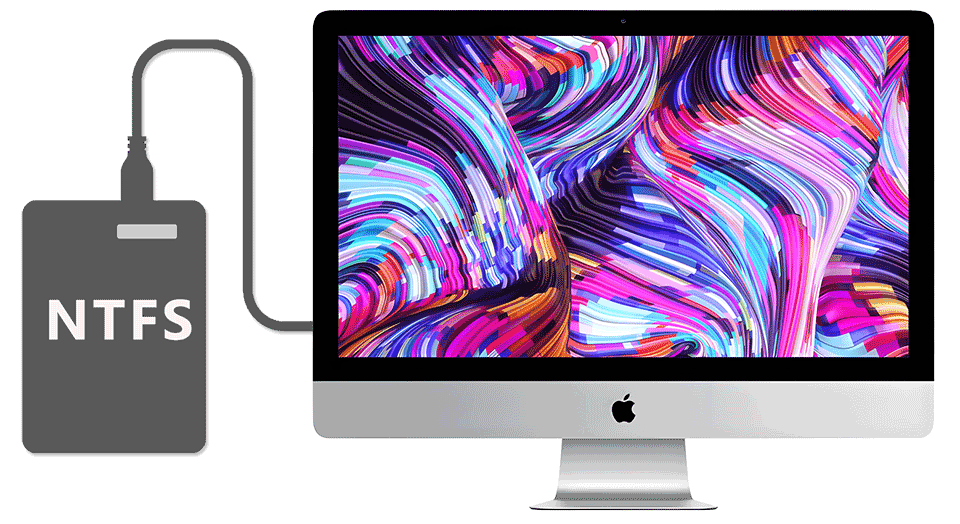
Compatible with Apple computers with Intel/M1/M2/M3/M4/M5 chips Access and edit NTFS partitions in the system, and realize data reading, writing, editing and other functions
 Download Now
  Buy Now
That's all you need to Read/Write NTFS disks on Mac
Enable a friendlier interaction between  MAC and
  Windows
CrossDriver Company
NTFS Read/Write Tool
Compatible with Apple computers with Intel/M1/M2/M3/M4/M5 chips Access and edit NTFS partitions in the system, and realize data reading, writing, editing and other functions
That's all you need to Read/Write NTFS disks on Mac
Enable a friendlier interaction between MAC and Windows


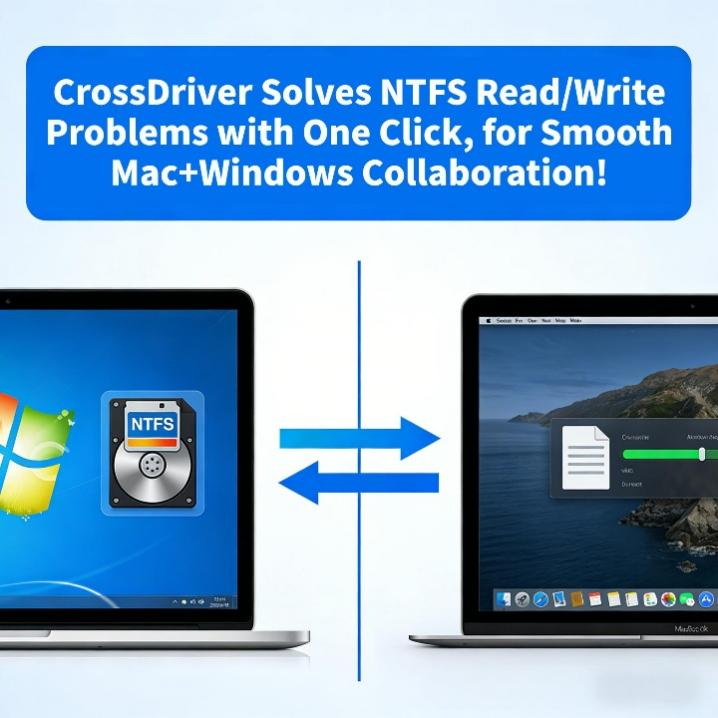
How to Transfer Files Between Mac and Windows Systems? CrossDriver Enables Seamless NTFS Read and Write
2026-06-10 17:57:04
Living the “dual-system” life—using a MacBook for office work and a Windows PC for data processing—is something many of you are probably familiar with
But what's the most frustrating part? Transferring files between systems . With the NTFS format, your Mac can only view files but can't modify or save them. You end up having to email files to yourself, which cuts your efficiency in half!
If you have this problem, you might want to give CrossDriver a try
Seamless NTFS Read & Write: Allows your Mac to directly read and write to NTFS drives. Modify, delete, and copy files as smoothly as if you were using a native Mac disk.
Double Your Efficiency: No need to restart or switch systems. Enjoy high-speed read and write access to various file systems like NTFS, EXT4, and XFS.
Stable & Secure: Built with kernel-level development experience, providing enterprise-grade stability and data protection. It's safe and reliable.
Wide Compatibility: Works perfectly from macOS 10.13 all the way to the latest macOS 26, covering all major versions.
How do you usually transfer files between your Mac and Windows? Feel free to share~