 简体中文
简体中文
 English
 繁體中文
繁體中文
 Русский
 日本語
日本語
 Français
 한국어
한국어
 Deutsch
 Português
 Español
CrossDriver Company
NTFS Read/Write Tool
Compatible with Apple computers with Intel/M1/M2/M3/M4/M5 chips Access and edit NTFS partitions in the system, and realize data reading, writing, editing and other functions
 Download Now
  Buy Now
That's all you need to Read/Write NTFS disks on Mac
Enable a friendlier interaction between  MAC and
  Windows
CrossDriver Company
NTFS Read/Write Tool
Compatible with Apple computers with Intel/M1/M2/M3/M4/M5 chips Access and edit NTFS partitions in the system, and realize data reading, writing, editing and other functions
That's all you need to Read/Write NTFS disks on Mac
Enable a friendlier interaction between MAC and Windows


Say goodbye to Mac’s restrictions on NTFS! CrossDriver realizes free reading and writing of U disk/hard disk
2026-06-03 18:00:22
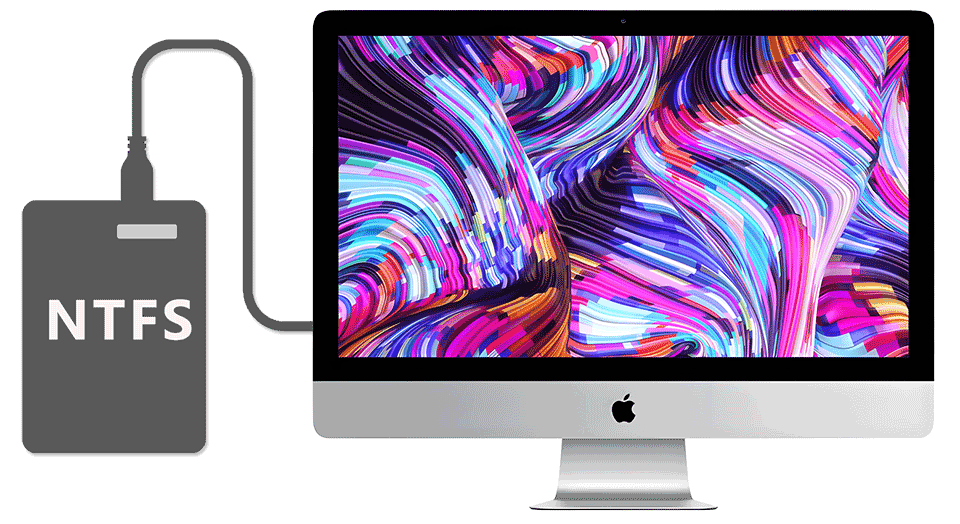
Have you ever encountered this trouble: When you insert an NTFS-formatted USB flash drive on your Mac, you can read files normally, but when you want to modify, delete, or save new files, a pop-up window prompts "read only"?
Don't worry! It's not your Mac acting up—it's simply that macOS doesn't support writing to NTFS drives by default. But with the right tool, you can unlock full read-and-write access in just a few simple steps, giving you complete control over NTFS devices on your Mac!
Top Tool Recommendation: CrossDriver
Why Choose CrossDriver?
One-click install, ready to use immediately—no complicated setup needed
Stable & smooth performance with excellent compatibility, supporting macOS 10.13 through the latest macOS Sonoma
Safe & reliable, protecting your data from loss
Supports multiple formats including NTFS, EXT4, XFS, and more
Now, whether you're backing up work files, editing video footage, or transferring data across platforms, you can enjoy seamless read and write access—no more need to constantly reformat your drives!
Have you used a similar tool before? Or maybe you know another great solution? Share your experience in the comments!